

Shapes
Add, style, and generate vector shapes.
Shapes are vector graphics: rectangles, circles, stars, arrows, lines, and more. They stay sharp at every size. The user sets their fill, their outline, and how long they stay on screen.
Setup
The shape library, fill, and stroke work with no setup. AI shape generation needs an AI provider:
import { VideoEditor } from '@layermetry/media-editor/react';

export default function App() {
  return (
    <div style={{ position: 'fixed', inset: 0 }}>
      <VideoEditor
        licenseKey="YOUR_LICENSE_KEY"
        onClose={() => console.log('The editor was closed')}
        onExport={(file) => console.log(`Exported ${file.name}`)}
        // AI shape generation: your AI proxy.
        ai={{ endpointUrl: 'https://api.example.com/ai' }}
      />
    </div>
  );
}| Option | Prop | Configuration page |
|---|---|---|
| AI shape generation | ai | AI providers |
Shape library
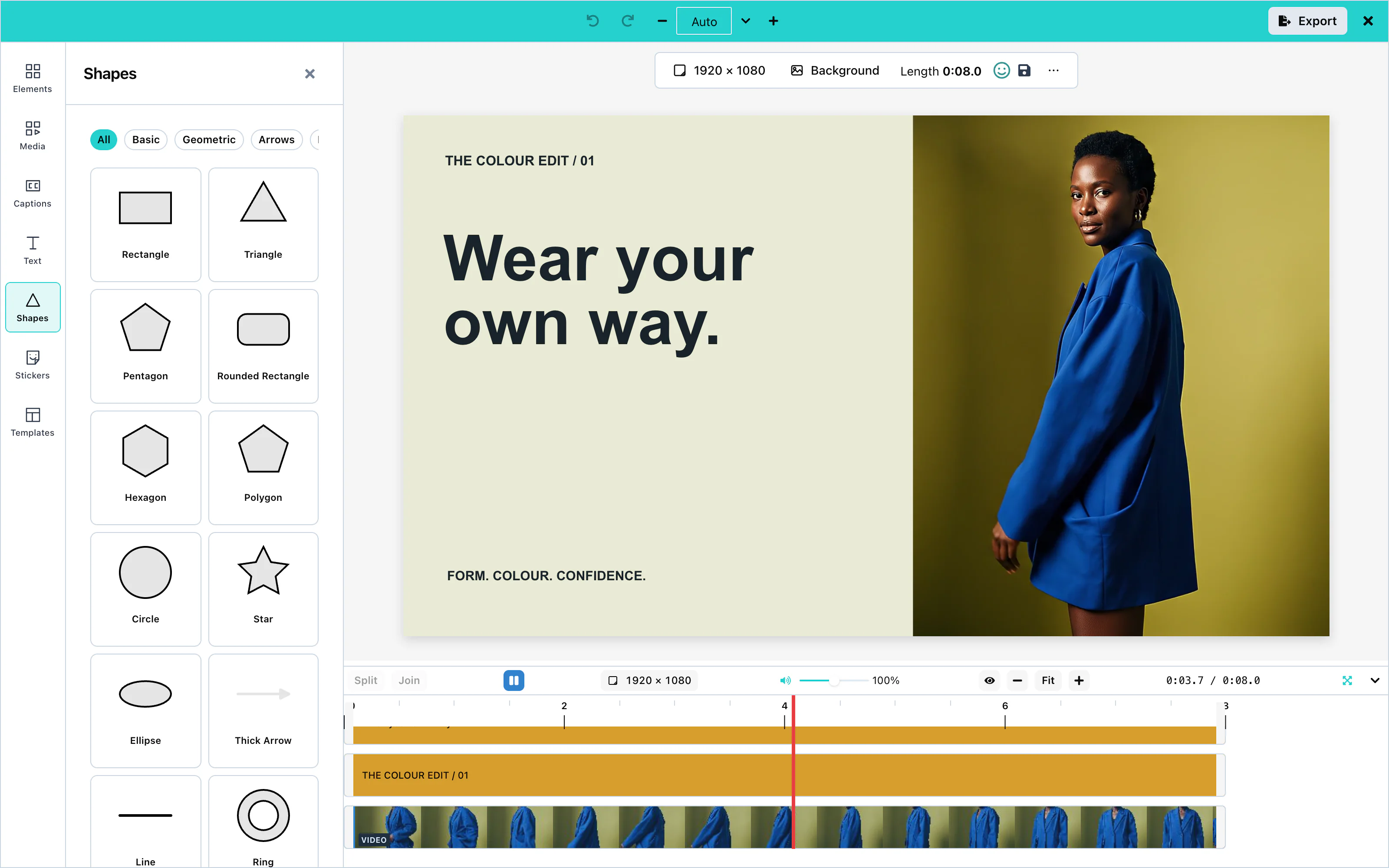
Open Shapes in the tool rail and click a shape to add it. The filters above the library group the shapes as Basic, Geometric, Arrows, Lines, Organic, and Symbols.
The library has 42 shapes, among them Rectangle, Rounded Rectangle, Circle, Ellipse, Triangle, Pentagon, Hexagon, Polygon, Star, Heart, Diamond, Ring, Squircle, Soft Blob, Badge, Speech Bubble, Callout, and Pill.
 View full size
Add shape in the toolbar above the canvas also adds a shape. A new shape stays on screen for 5 seconds from the playhead.
Fill and stroke
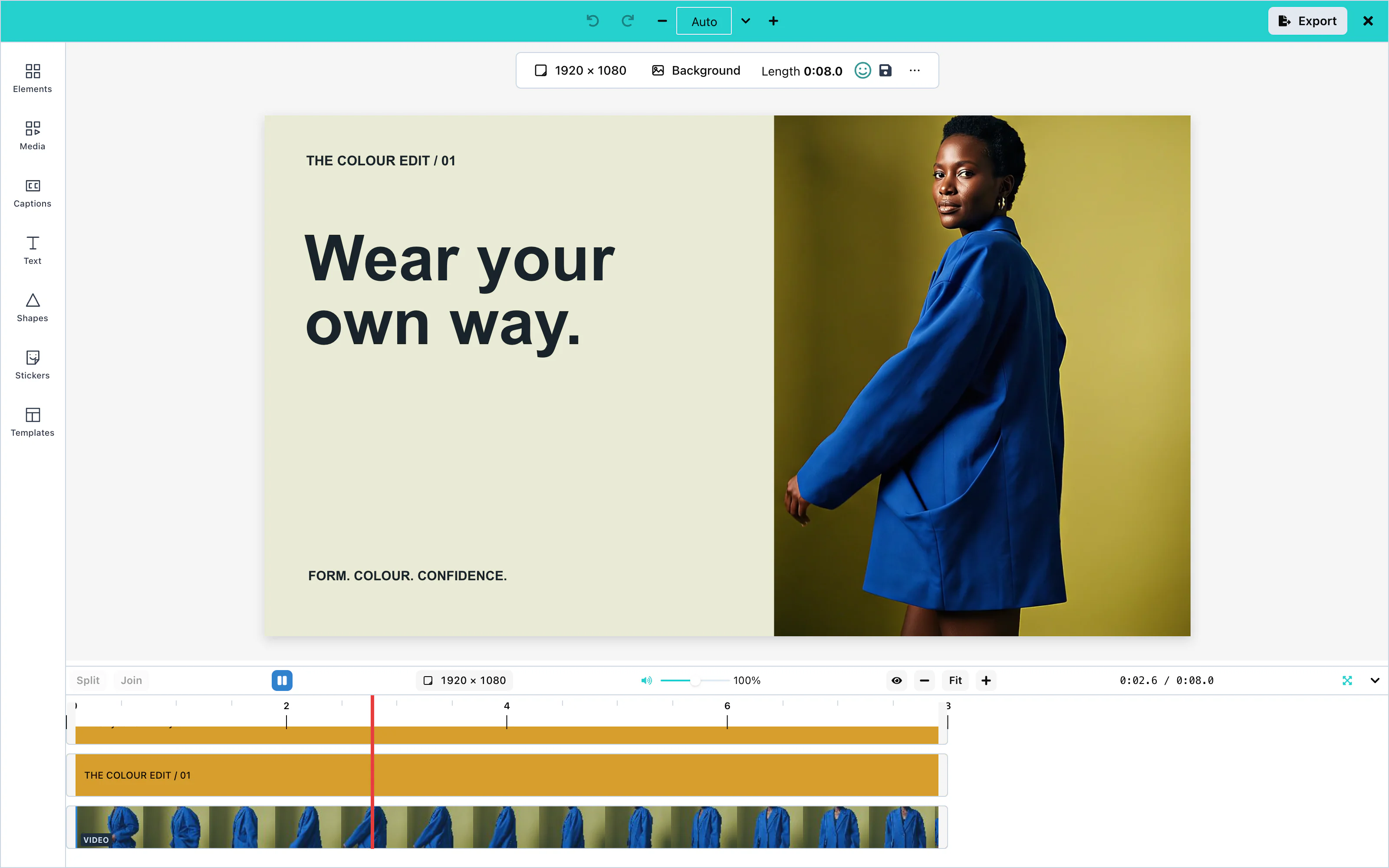
Select a shape. The toolbar above the canvas shows Fill, Stroke, and Stroke width:
- Fill sets the color inside the shape.
- Stroke sets the color of the outline.
- Stroke width sets the thickness of the outline. 0 removes it.
Opacity, under ⋯, makes the whole shape see-through. See Effects and filters for more options.
 View full size
Lines and arrows
The library has six lines: Line, Divider, Dashed Line, Dotted Line, Arrow Line, and Double Arrow Line. It also has seven arrows: Thick Arrow, Arrow Up, Arrow Down, Arrow Left, Arrow Right, Double Arrow, and Curved Arrow. The Lines and Arrows filters show them.
A line has no inside, so Stroke and Stroke width set its color and thickness.
AI shape generation
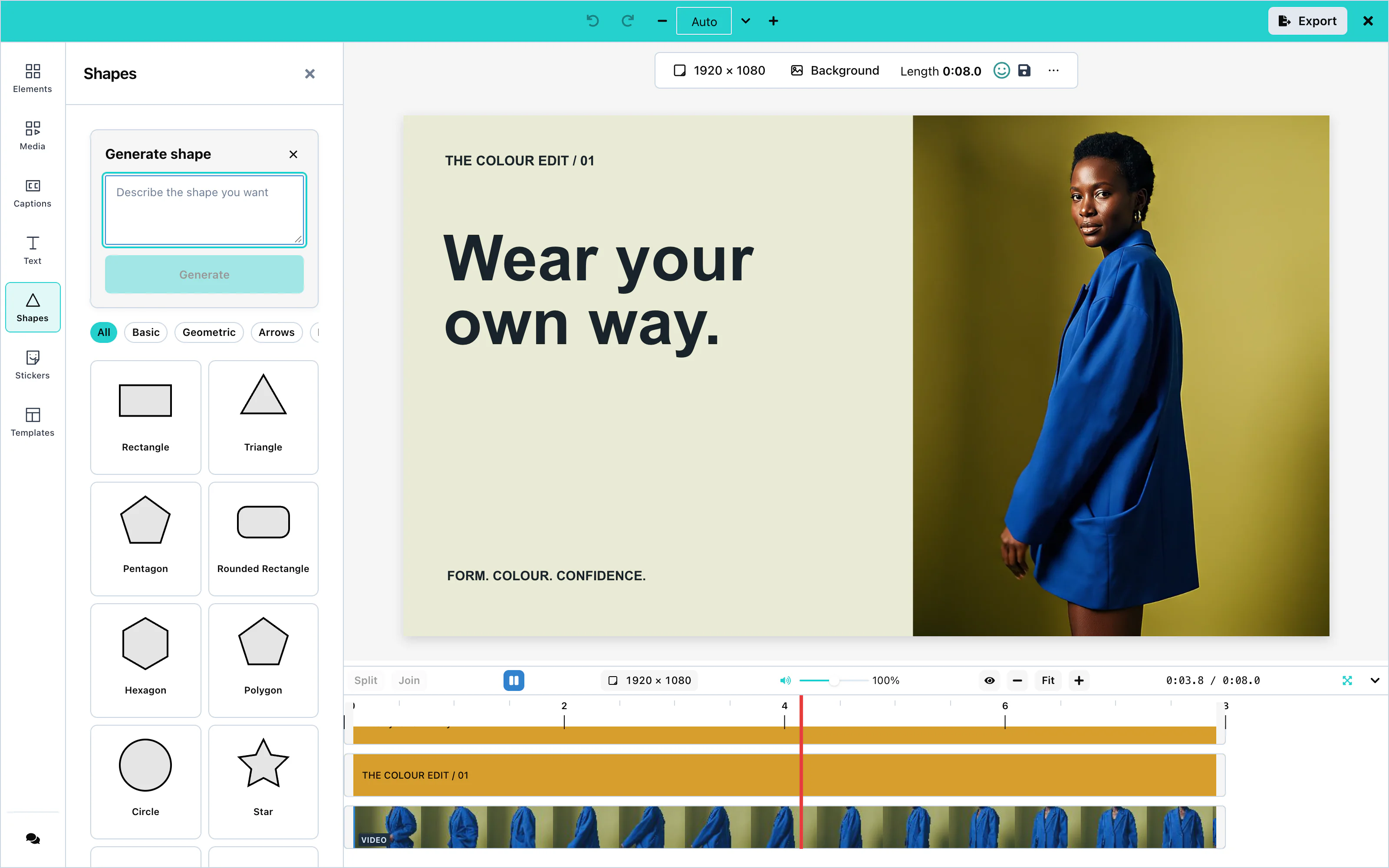
ai. See AI providers.Open Shapes and press Generate shape. The user describes the shape and presses Generate. The editor shows each outline that the model drew, as a small tile. Add to canvas adds the chosen outline as a shape.
 View full size
Your server answers with { items: [{ pathData }] }: SVG path data that starts with M. The editor drops an outline that draws nothing. See Custom AI endpoint.
Configuration
| Prop | Type | Default | Description |
|---|---|---|---|
ai | object | none | The AI provider. svgPath: false hides Generate shape. |
ui | object | none | ui.toolRail.hidden: ['shapes'] removes the Shapes panel. See UI customization. |
Events
Shapes have no events of their own. They reach you inside the exported video through onExport, and inside saved designs through onSaveTemplate. See Events.